

MediaRescue
Find the media your phone forgot.
Find hidden, overlooked, and hard-to-find media on your Android device.

Find Hidden Media
Deep Storage Scanning
Search & Rescue Files
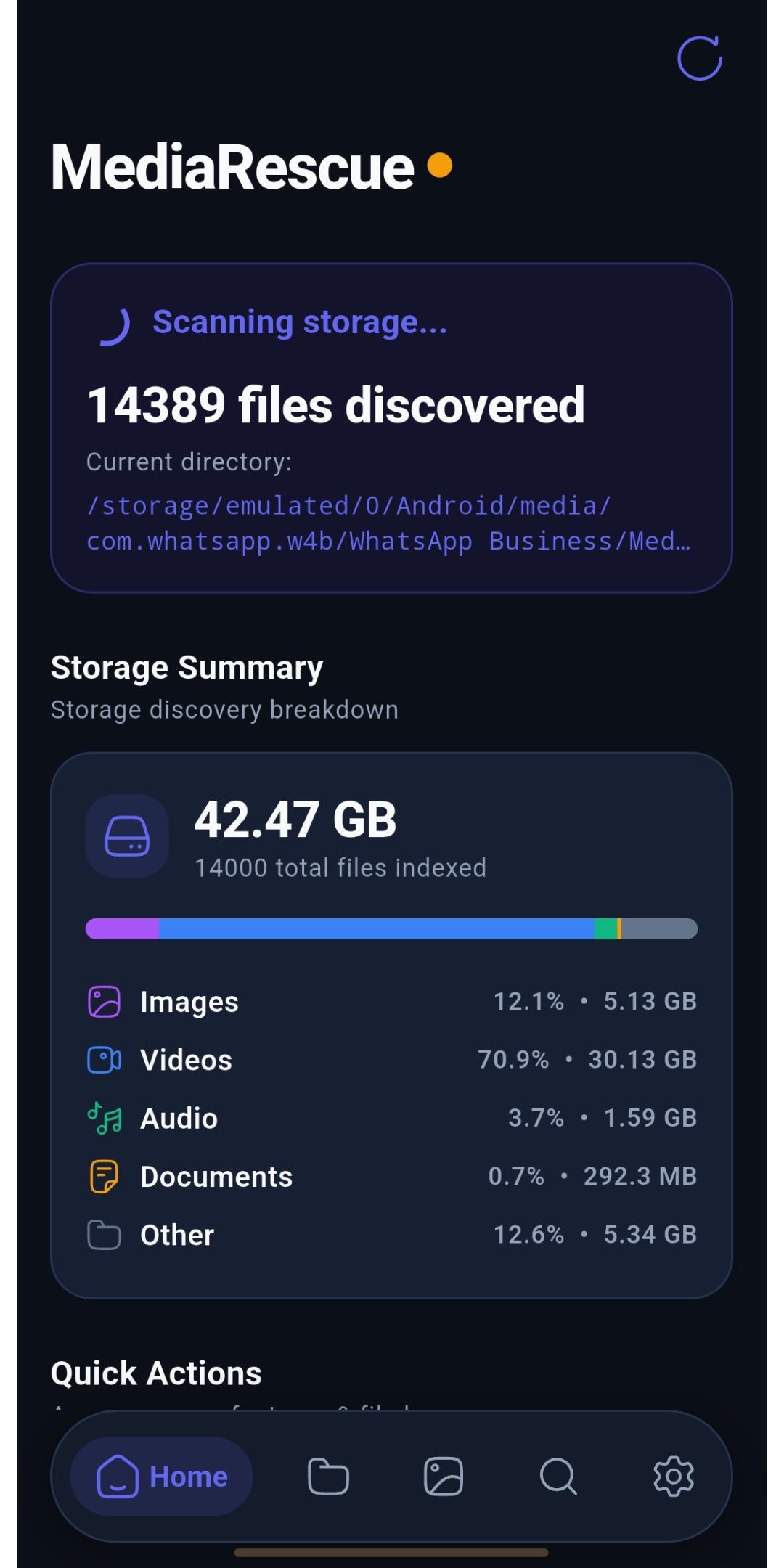

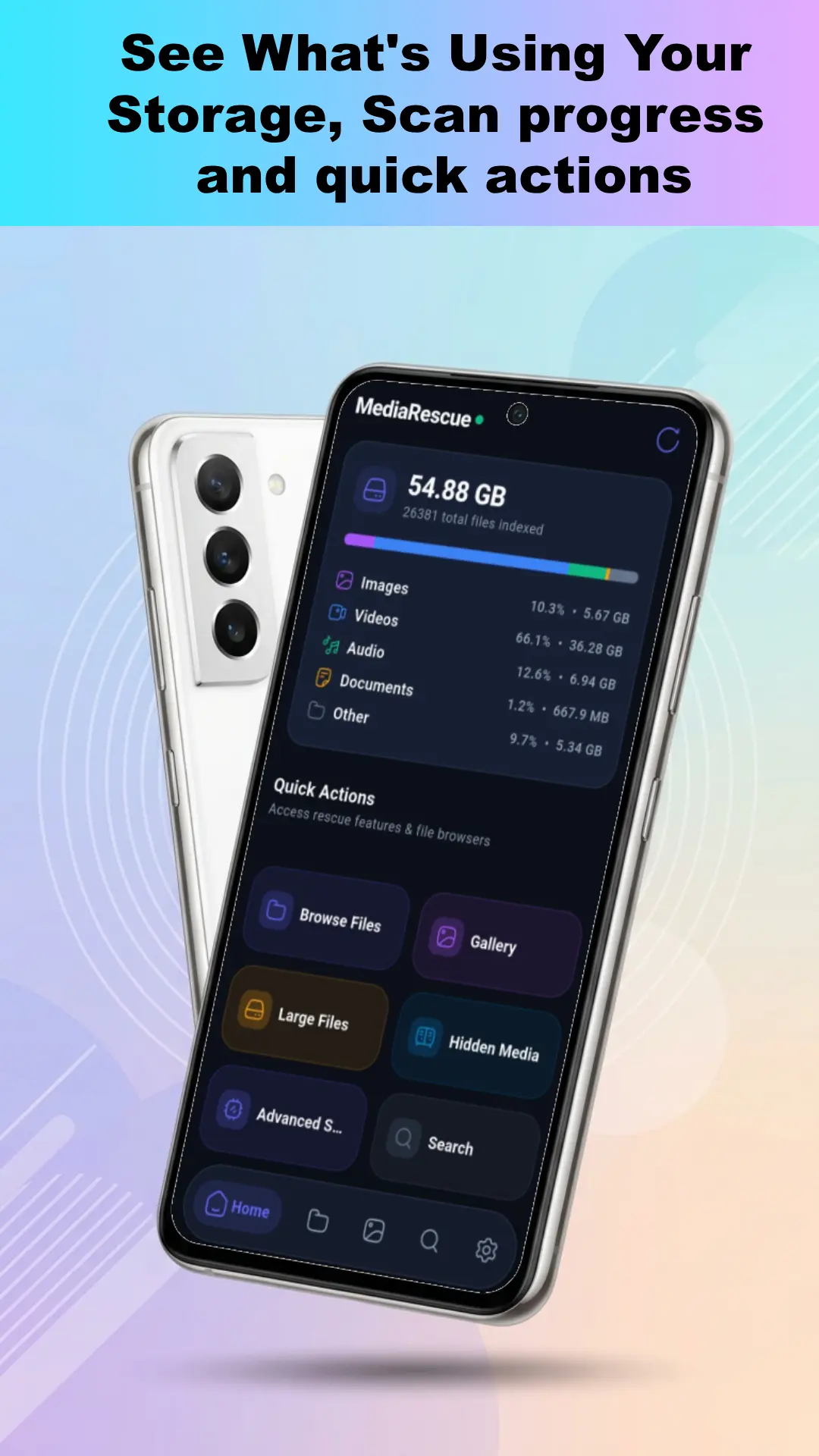
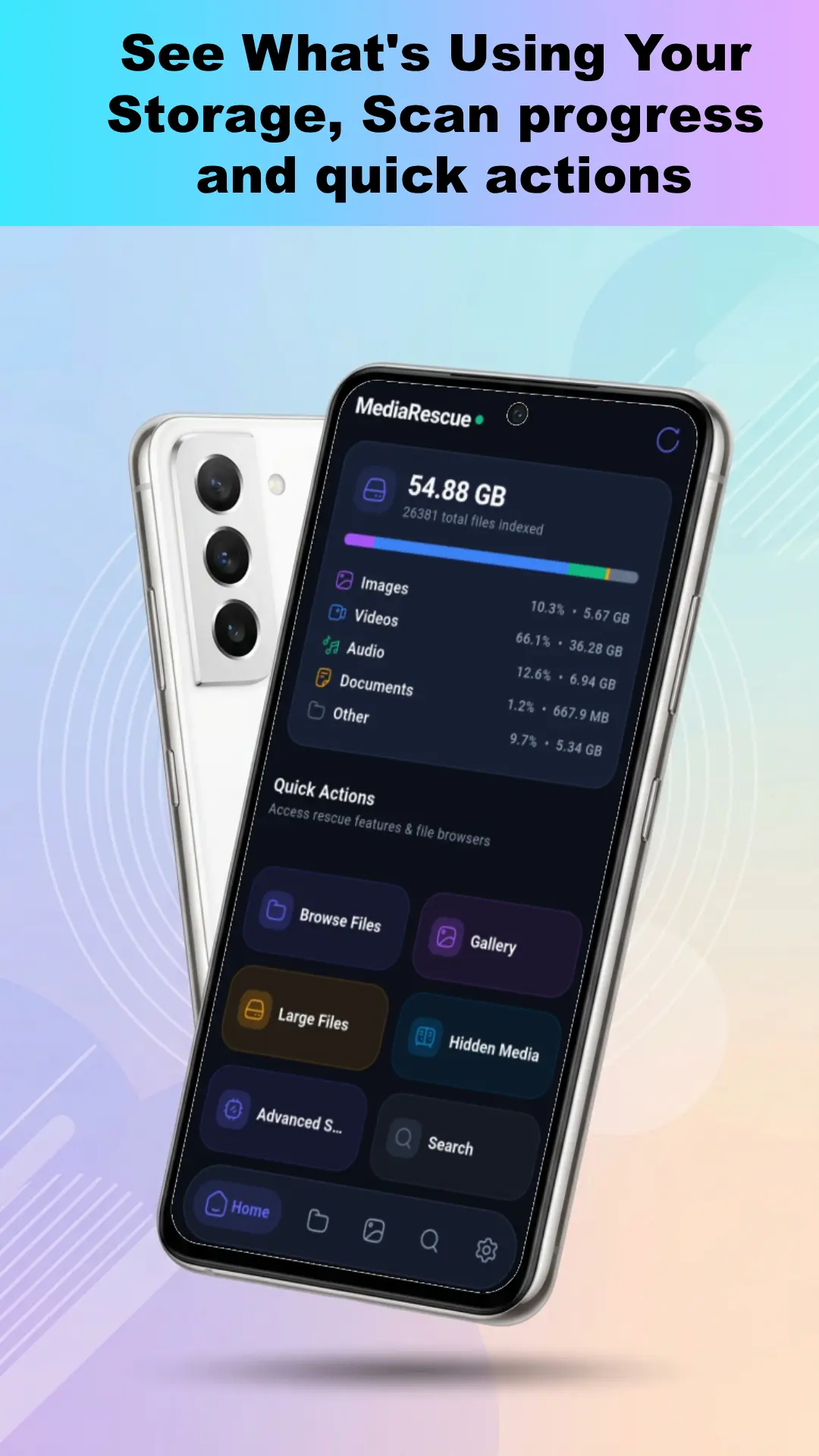
Key Features of MediaRescue
Powerful tools to scan, discover, search, browse, and rescue overlooked media on your Android device.
Features
Find Media Your Phone Forgot
MediaRescue scans beyond your usual gallery locations to find hidden, overlooked, and poorly indexed photos, videos, audio, and other media.
Hidden & .nomedia Folders
Deep & Unusual Locations
Media Missing From Gallery Indexing
Features
Deep Storage Scanning
Scan your Android storage to discover files across folders, subfolders, and locations your usual file manager might overlook.
Full Storage Scanning
Folder & Subfolder Discovery
Fast File Search
Features
Powerful File Search
Quickly search your scanned Android storage to find specific files, media, and documents without digging through folders.
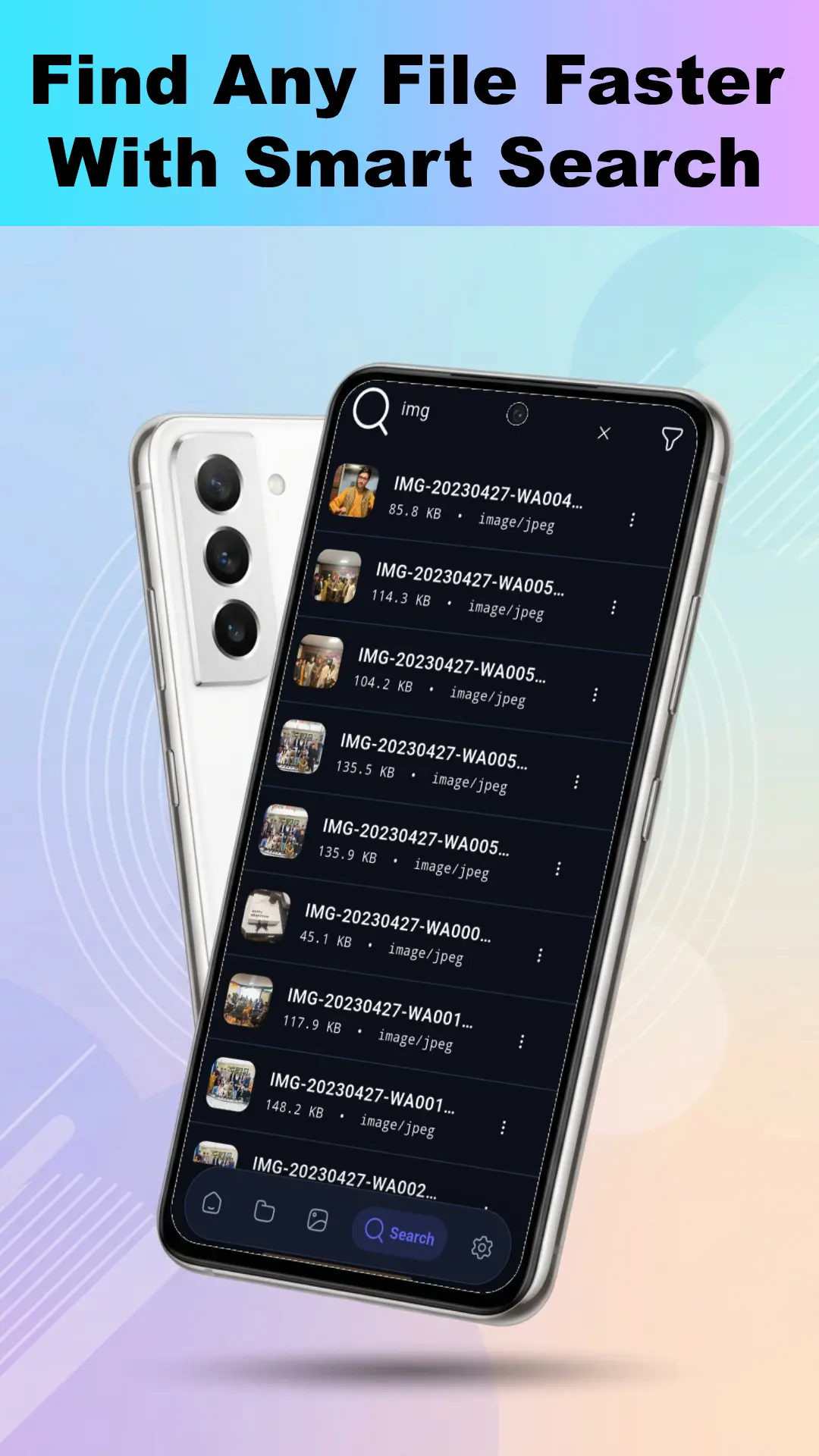
Search Files by Name
Find Photos, Videos, Audio & Documents
Search Across Folders & Sub-Folders
Features
Media Gallery & Preview
Browse discovered photos, videos, and audio in a dedicated gallery with immersive previews and smooth media playback.
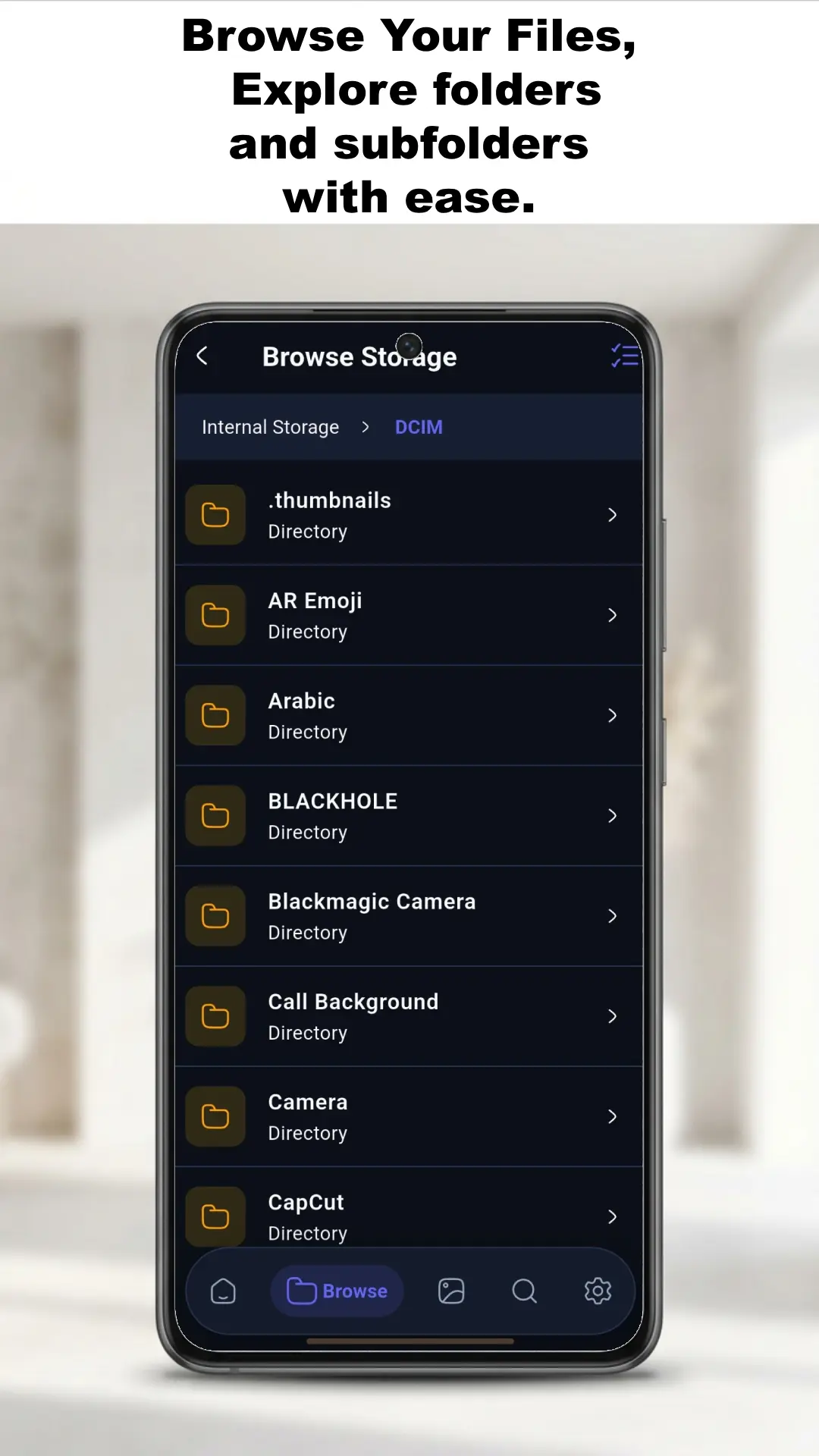
Browse Media by Folder
Full-Screen Photo & Video Preview
Audio & Background Playback
Features
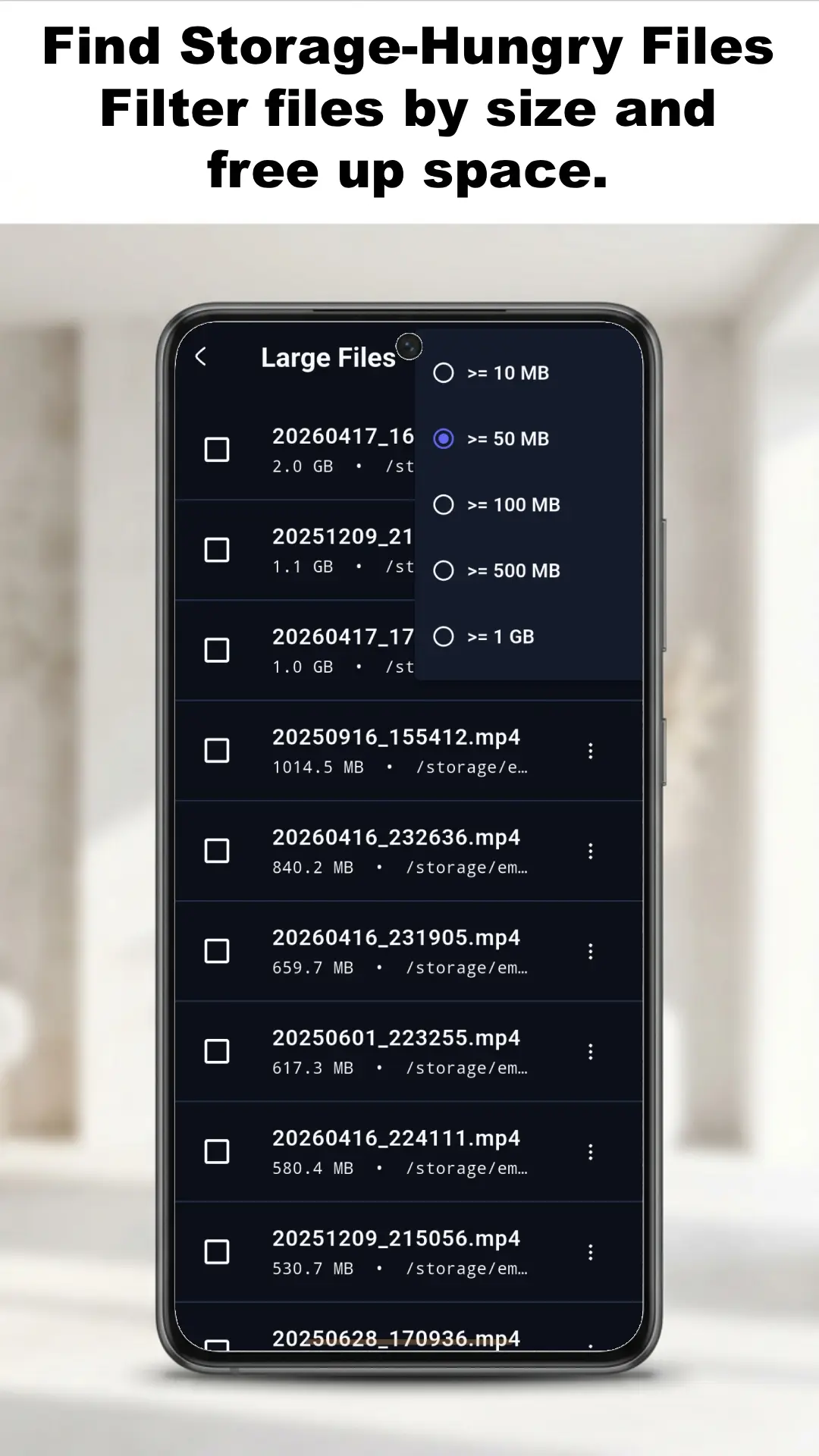
Find Large & Forgotten Files
Identify large files and forgotten media taking up storage, so you know exactly what is consuming space on your Android device.
Find Large Files
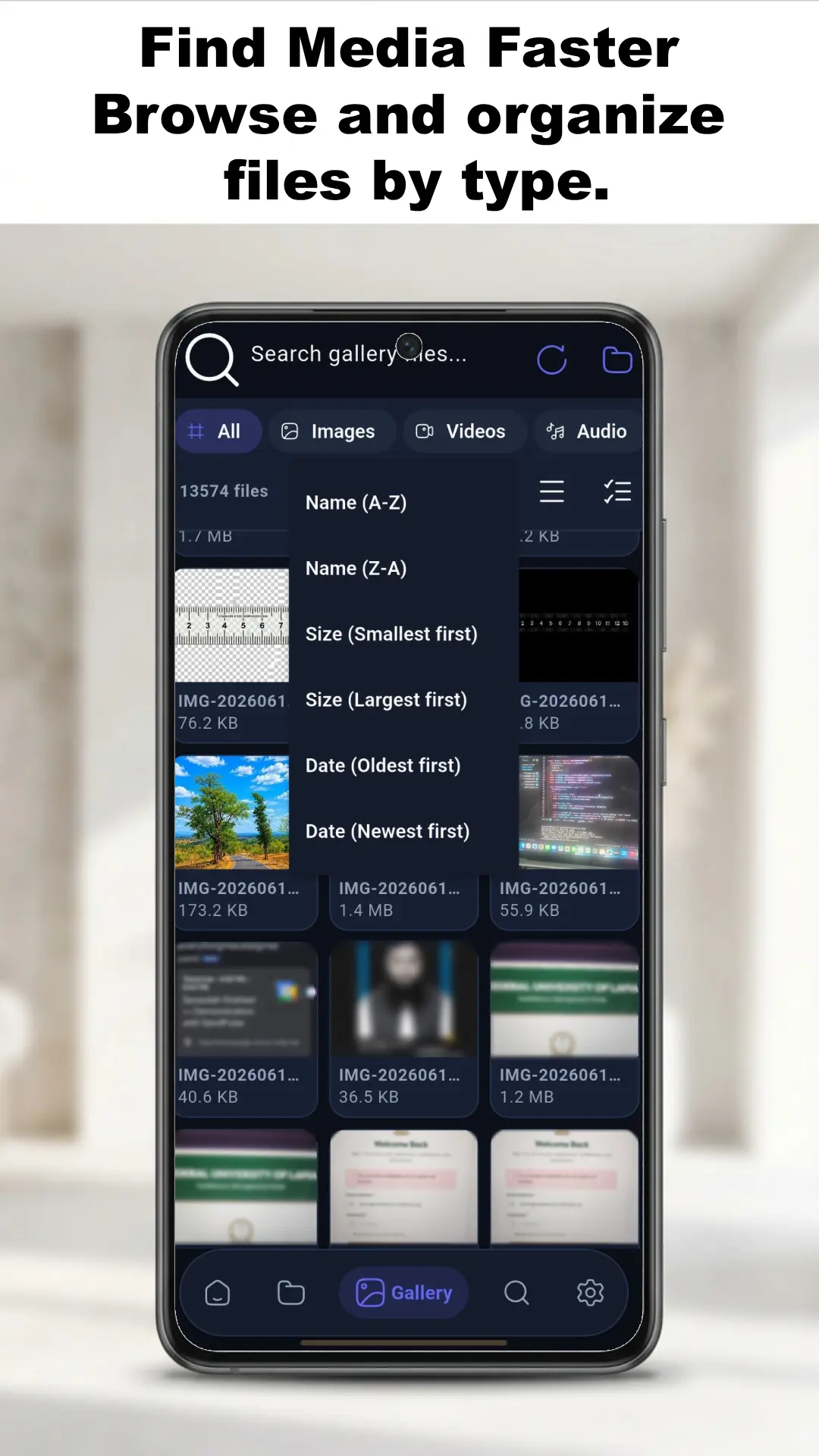
Sort by File Size
Spot Large Forgotten Media
Features
Advanced Android Storage Scanning
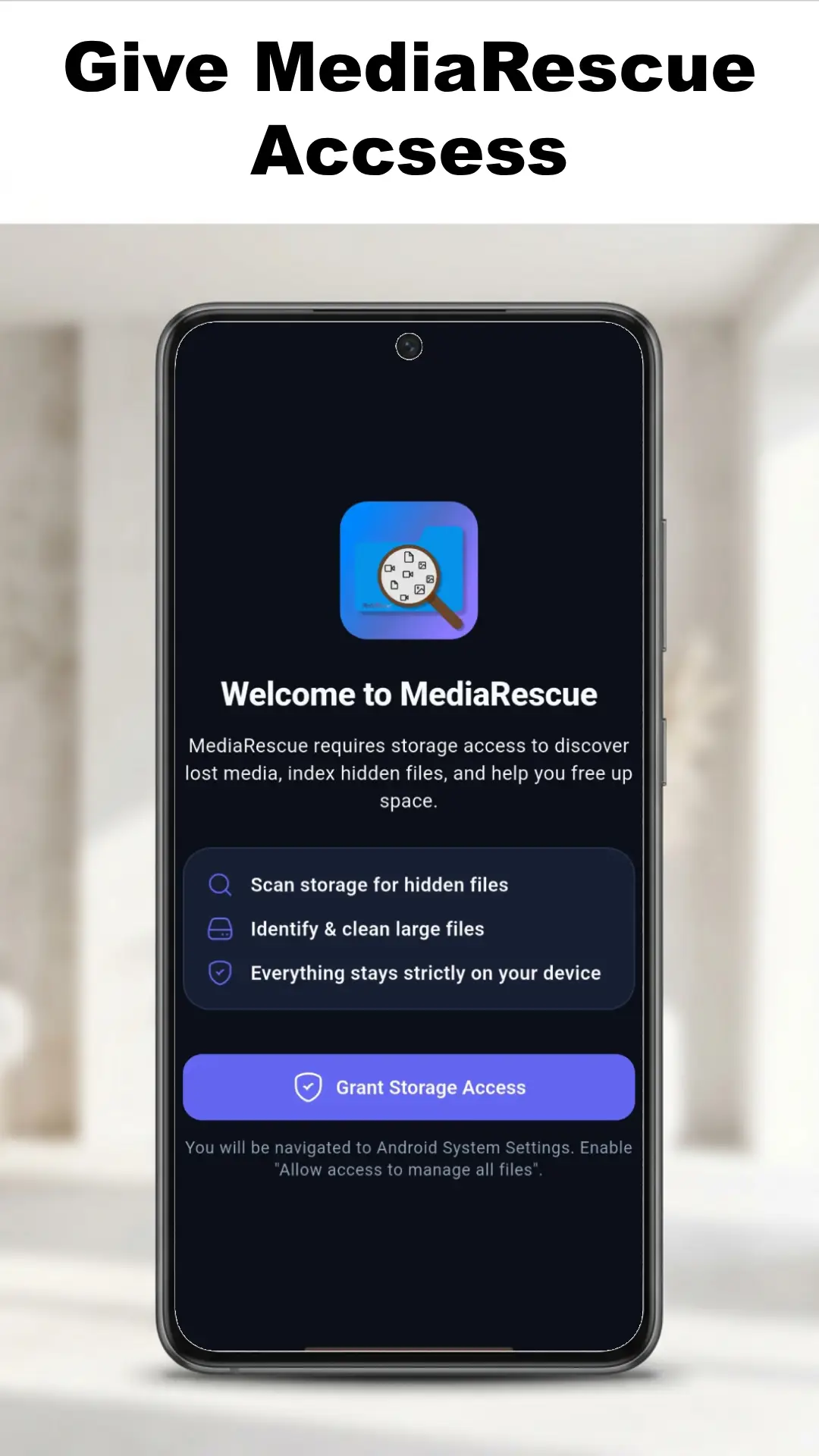
Use optional Shizuku-powered scanning to explore deeper Android storage locations and find files hidden from standard file access.
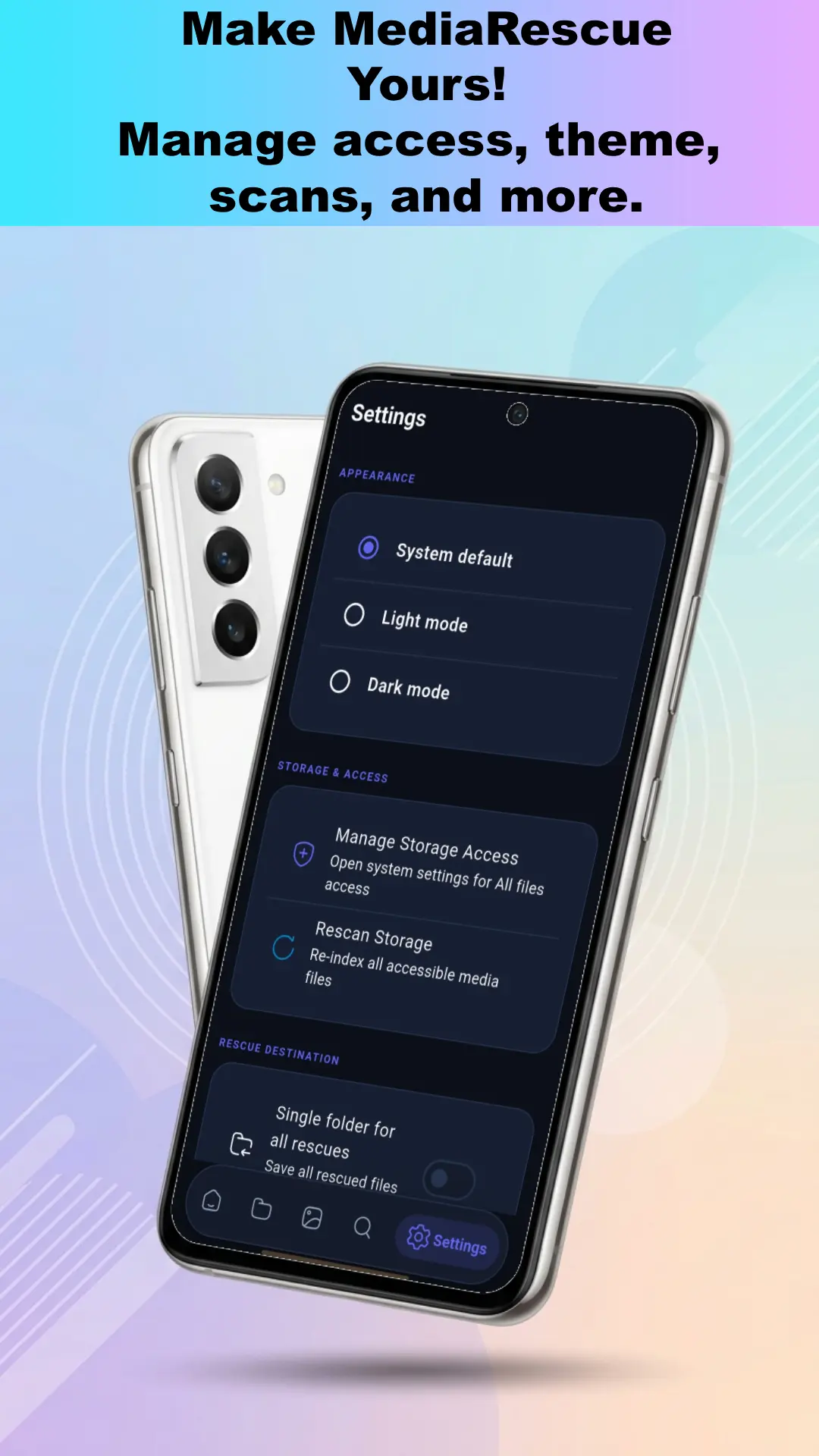
Scan Android/data & Android/obb
No Root Access Required
Read-Only File Discovery
Why choose MediaRescue
Streamline your life with MediaRescue today!

Organized gallery view
Browse discovered media in a clean gallery interface, with viewing by type and folder to make large collections easier to explore.

Powerful name search
Search through scanned files by filename to quickly locate a specific item without digging through directories.

Built-in file browser
Manually explore accessible storage with a familiar folder-based browser to inspect files stored deep inside your device.
What Users Say About MediaRescue
See what Android users think about their experience with MediaRescue.
It helped me find my hidden files, especially some files that were taking up space in my gallery.

Sadiq Muhammad Ibrahim
Sep 15, 2026
MediaRescue is impressive and easy to navigate. I especially love the Storage Breakdown, Large Files, Hidden Media, and Advanced Scan features.

Lucky Chikwado
Oct 31, 2026
Useful and productive app for finding unnecessary large files.

Mohan K
Sep 15, 2026
FAQs about MediaRescue
Browse the most frequently asked questions that you may interested in.
What is MediaRescue?
MediaRescue is an offline-first Android media and storage discovery app designed to help you find, search, browse, preview, and manage files that might be difficult to locate with a regular gallery or file manager.
What types of files can MediaRescue find and organize?
It can scan accessible device storage and help you find images, videos, audio files, PDF documents, and other accessible files. It also provides a clean gallery view and lets you browse by type and folder.
Does MediaRescue upload my files to the cloud or require an account?
No. MediaRescue is privacy-focused: no account is required, there is no cloud upload of your personal files, and file processing is done locally on your device.
Can I use MediaRescue without an internet connection?
Yes. MediaRescue is offline-first, and its core features—scan, search, browse, and preview—work without requiring an internet connection.
How does MediaRescue help when Android makes some storage locations harder to access?
Modern Android versions can restrict access to certain storage areas. MediaRescue provides a focused way to scan and explore the storage locations that are accessible under Android’s permission system, helping you locate files that might be hidden from your regular gallery or difficult to find manually.
Does MediaRescue include search and previews?
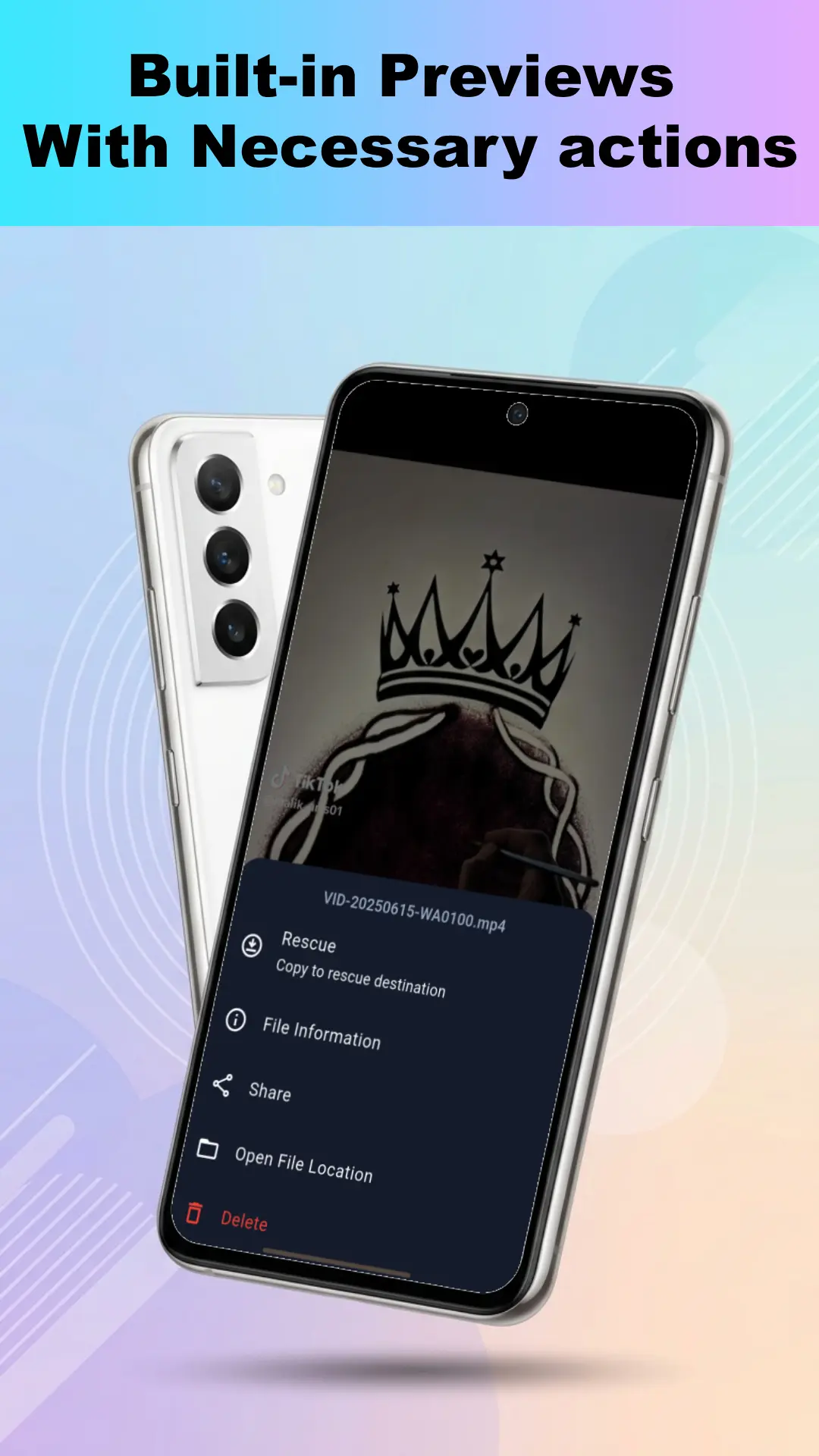
Yes. You can search scanned files by name, and MediaRescue includes built-in previews to view images, play videos and audio, and open supported documents directly in the app.
Can MediaRescue help free up storage space?
Yes. It can identify large files so you can quickly see which items are consuming significant storage space.
How do updates work if I install MediaRescue from Google Play?
MediaRescue uses Google Play’s official Flexible Update flow: you can keep using the app while an update downloads, then choose “Restart to install.” Google Play performs the installation (there is no custom in-app APK updater).
Can MediaRescue scan Android/data and Android/obb?
Yes, through the optional Shizuku-based Advanced Scanning feature. This provides deeper access to supported Android storage locations without requiring root access.
If I install MediaRescue via APK, how can I verify it’s authentic?
Verify the APK checksum listed in the release notes to confirm authenticity before installing.
Find What Your Phone Forgot
Discover hidden, overlooked, and hard-to-find media with MediaRescue. Start! It is Free.
Stay Updated with MediaRescue
Subscribe for MediaRescue updates, new releases, features, and more.
By subscribing, you agree to MediaRescue Privacy Policy.